 blog
blog
7 Best Shopify Chatbot Apps for 2026: Tested & Ranked
Table of Contents
- How We Evaluated the Best Shopify Chatbot Apps
- 1. NeuroAds Inc.: Best for DTC Brands Tying Chat to Ad Spend
- 2. Gorgias: Best for High-Volume Support Teams
- 3. Tidio: Best Free Plan for Small Stores
- 4. Chatra: Best for Simple Live Chat Setup
- 5. WelloChat: Best for WhatsApp and Multichannel Messaging
- Shopify Chatbot App Comparison: Pricing and Feature Table
- Best Shopify Live Chat Apps: Human Handoff That Works
- Frequently Asked Questions
Last Updated: October 17, 2026
How We Evaluated the Best Shopify Chatbot Apps
Most "best of" lists rank tools by feature count, not by whether a shopper gets a useful answer. We judge apps on the job they do after the click: answering objections, recovering carts, and handing off to a human without friction.
A Shopify chatbot connects to your storefront and handles customer conversations automatically, from product questions to order status checks. We scored each app on four things:
- Answer accuracy: does the bot resolve real questions or just deflect them?
- Human-agent handoff: how cleanly a conversation moves to live chat?
- Store integration: order lookup, cart recovery, and product data access
We weighted support resolution and handoff quality highest, because a chatbot that traps buyers is worse than none.

1. NeuroAds Inc.: Best for DTC Brands Tying Chat to Ad Spend
NeuroAds Inc. is the only app here that connects chatbot conversations directly to ad performance.
The Shopify AI Chatbot from NeuroAds Inc. handles lead capture and objection handling inside the storefront, then feeds those signals into AI-powered ad optimization and predictive targeting.
Key features:
- Automated shopper recovery before visitors leave the store
- Objection handling built for real purchase hesitations
- Cross-channel campaign management across ad platforms
Pricing depends on your ad spend and setup, so check the NeuroAds Inc. Shopify app listing for current details.
2. Gorgias: Best for High-Volume Support Teams
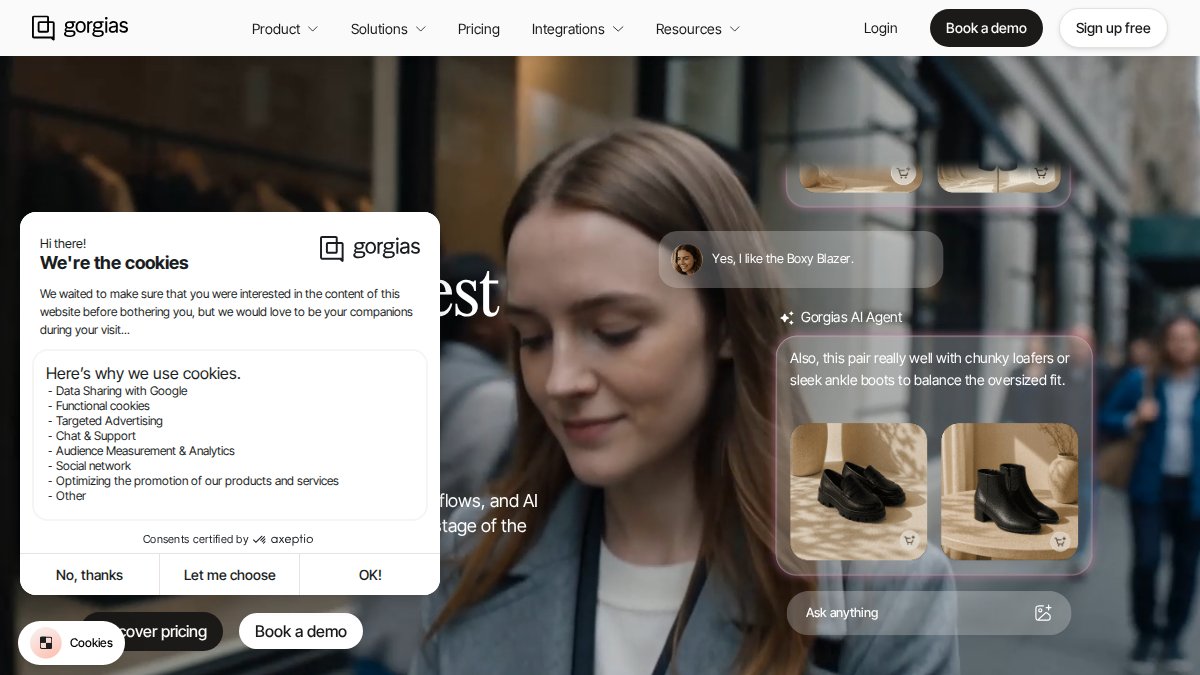
Gorgias earns its place through ticket volume handling. Stores fielding hundreds of daily inquiries need inbox management and escalation rules that hold up under load.
Tickets route by intent, macros speed up repetitive replies, and conversation history stays attached to each customer.
Pros: strong ticket routing and inbox management; solid multichannel support. Cons: setup takes more configuration; better suited to teams with dedicated support staff.
3. Tidio: Best Free Plan for Small Stores
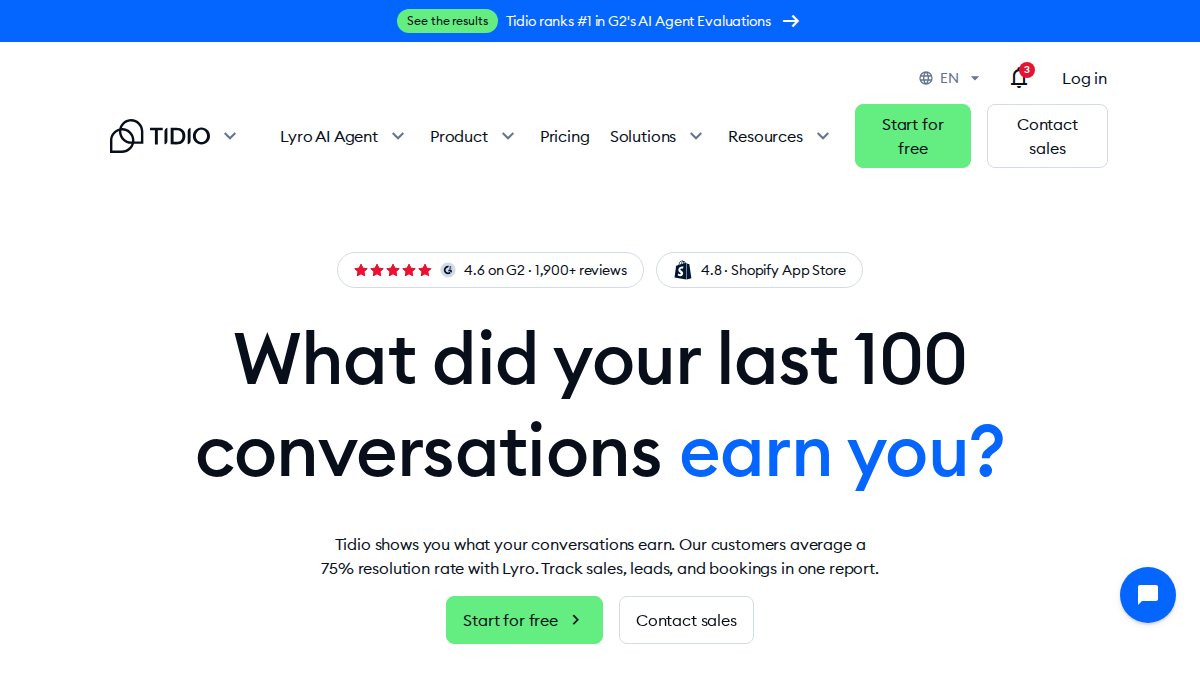
Tidio answers the question every new store owner asks: can I run a chatbot without a budget?
The honest limitation is scale. As conversation volume grows, the free tier's limits bite and you move to a paid plan.
Pros: genuinely usable free plan; fast setup; clean chat widget. Cons: automation depth requires a paid tier; less suited to complex order workflows.
4. Chatra: Best for Simple Live Chat Setup
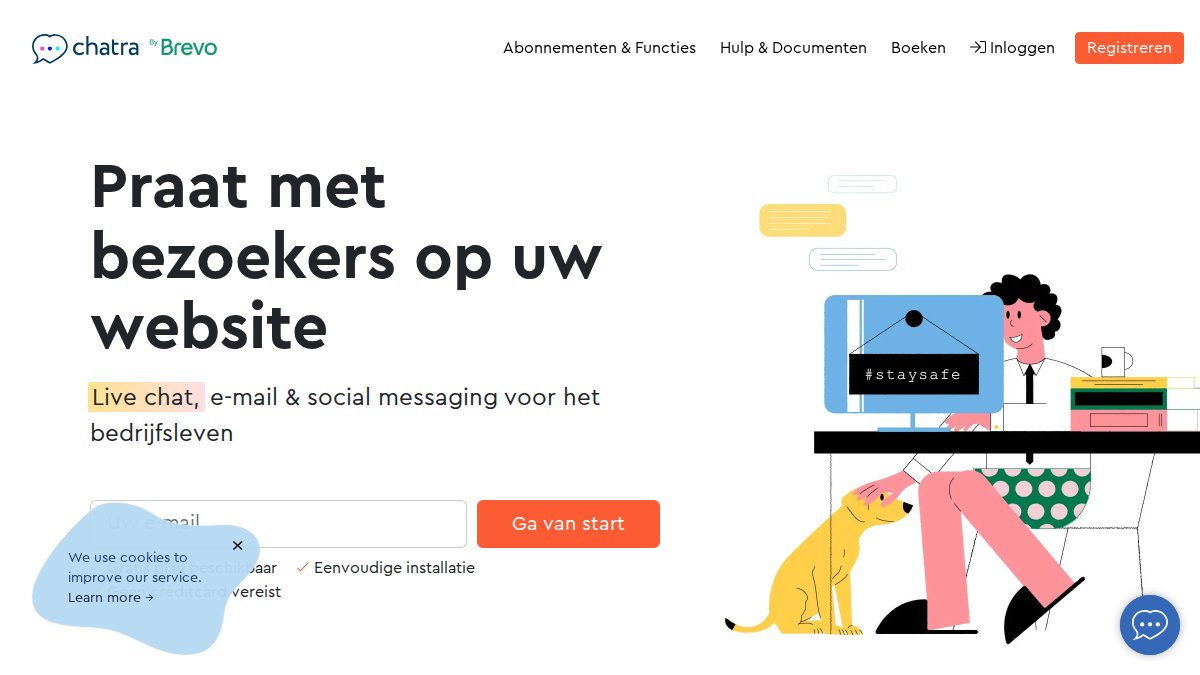
Chatra wins on speed: install the widget and answer questions the same afternoon, which suits brands that want live chat without a chatbot project.
What most reviews miss is the ceiling here. Chatra is a live chat tool first, so heavy chatbot automation and deep order tracking are not its strength.
Pros: quickest setup on this list; simple, readable interface. Cons: limited chatbot automation; fewer AI-powered support features.
5. WelloChat: Best for WhatsApp and Multichannel Messaging
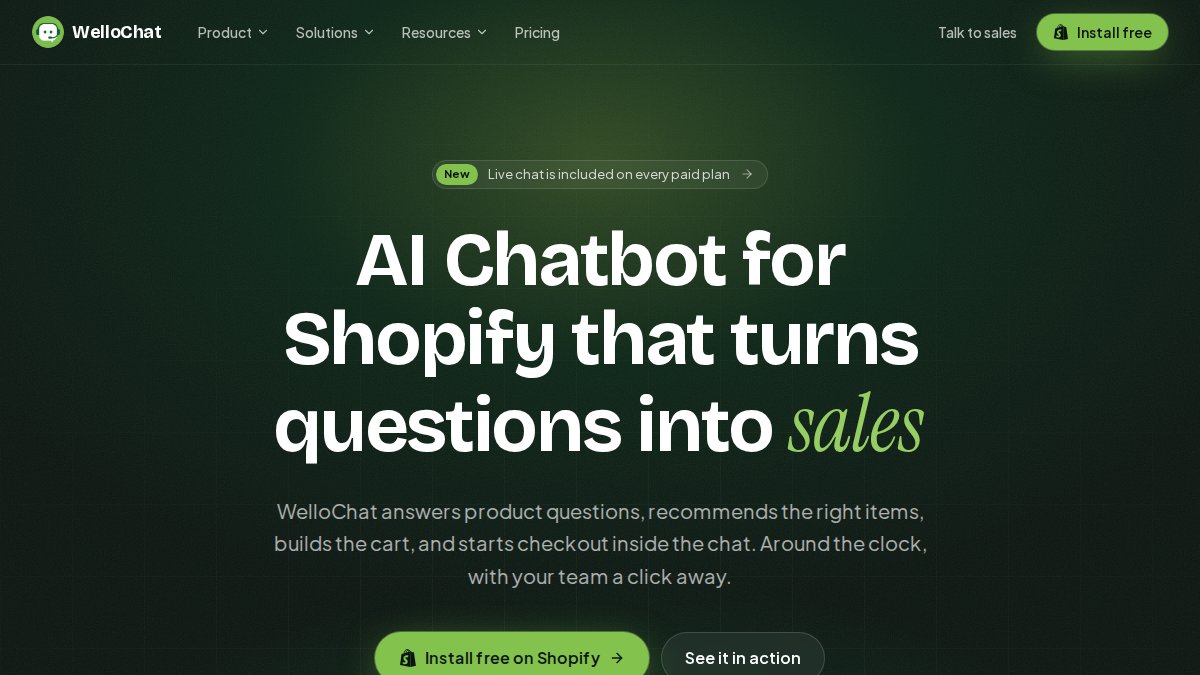
WelloChat leans into messaging apps, which matters for stores selling to shoppers who live in WhatsApp rather than email. Multichannel support keeps conversations in one inbox.
The catch is focus. If your buyers are mostly on your storefront, the multichannel strength is nice to have rather than essential.
Pros: strong messaging-app coverage; unified inbox management. Cons: storefront-only stores get less from the multichannel features.
Shopify Chatbot App Comparison: Pricing and Feature Table
A feature grid tells you what an app can do, not what it will cost or whether it holds up under your conversation volume.
| App | Best For | Chatbot Automation | Human Handoff | Order Tracking | Free Plan | Billing Model to Verify |
|---|---|---|---|---|---|---|
| NeuroAds Inc. | DTC brands tying chat to ad spend | Strong, tied to ad signals | Yes | Yes | Free Plan Available | Scoped to ad spend and setup |
| Gorgias | High-volume support teams | Moderate | Strong | Yes | Limited trial | Per ticket or per conversation, plus seats |
| Tidio | Small stores on a budget | Basic on free plan | Yes | Limited | Yes, capped | Conversation or chatbot-interaction caps, then tiers |
| Chatra | Simple live chat | Limited | Yes | Limited | Limited free tier | Seats and chat volume |
| WelloChat | WhatsApp and messaging | Moderate | Yes | Moderate | Verify on listing | Messaging volume and channels |
Two things to notice. The billing model column matters more than the feature column, because two apps with identical features can produce very different invoices at the same traffic. And no figure here is a final cost, treat every plan as a starting point and price it against your own numbers.
AI Performance Marketing Platform →
How to estimate your real monthly cost
Headline plan prices mislead because vendors meter different things: chatbot-resolved conversations, human-handled tickets, capped automated interactions, and per-seat charges on top. A store with two support agents and steady traffic often finds the entry tier is not the tier it needs.
Run this four-step estimate before you commit:
- Count your monthly conversations. Pull the last 90 days of chat and support volume from your helpdesk or Shopify inbox apps. Split it into bot-resolvable questions (order status, shipping, returns policy) and questions that need a person.
- Apply each vendor's meter. If a vendor bills per resolved conversation, multiply your bot-resolvable count by its rate. If it bills per ticket, use your human-handled count. If it caps automated interactions, check whether your volume crosses the cap mid-month.
- Add seats. Multiply the per-seat charge by the number of agents who will actually log in, not the number on your support roster.
- Add add-ons. AI response packs, extra channels, and integration fees are commonly sold separately. Ask for the add-on list in writing.
The costs the plan page does not show
The line item that sinks budgets is not the subscription but the setup and maintenance time. Deeper automation apps need conversation flows, escalation rules, and store data mapped before launch, and someone must maintain those flows as products, policies, and shipping terms change.
A second hidden cost is overlap. Stores often run a live chat tool and a separate chatbot, then pay for both while agents toggle between inboxes. Before adding an app, check whether your existing helpdesk already includes chatbot automation you are not using.
A note on free plans
Free tiers are testing tools, not production plans. Use one to run a two-week test, measure engagement and resolution, then price the paid tier against the volume that test produced. That gives you a defensible number instead of a guess.
Best Shopify Live Chat Apps: Human Handoff That Works
The best Shopify live chat apps share one trait: a shopper never notices the moment a bot hands off to a person. That handoff is where most chatbot automation fails and where most roundups skip. Here are the mechanics, the triggers, and how to test handoff before launch.
What a clean handoff actually requires
A handoff is not a transfer button. It is a chain of four things happening in order, and a break anywhere in the chain loses the sale:
- Trigger. Something in the conversation signals the bot should stop answering.
- Context transfer. The agent receives the full transcript, the shopper's identity, and any order or cart data already pulled.
- Continuity. The shopper is not asked to repeat the question or re-enter an order number.
Most apps handle the trigger. Fewer handle context transfer well, and that is where shoppers drop off.
Escalation triggers worth configuring
Keyword triggers are the weakest option because shoppers rarely type the word you configured. Build escalation around signals:
- Confidence drop. When the bot's match score falls below a threshold you set, route to a human rather than guessing.
- Sentiment shift. Repeated short replies, all-caps messages, or phrases expressing frustration are reliable frustration signals.
- High-stakes intents. Refunds, damaged items, chargebacks, and order status on a delayed shipment should route to a person by default.
A common mistake is firing handoff only when the bot fails outright, by then the shopper has left. Escalate earlier, when confidence drops or the question touches refunds, damaged items, or order status. Those are the moments a human closes the sale.
Passing context without asking the shopper to repeat themselves
This test separates apps. Before you buy, run a scripted handoff test: start a conversation as a shopper, ask an order-status question, then trigger escalation.
If the agent has to ask for information the bot already had, the app is passing a notification, not a conversation. That gap is the single most common reason handoff feels broken to shoppers even when the software is working as designed.
Testing handoff before launch
Do not launch on the vendor's demo. Run a pre-launch test with five scenarios mirroring your real support volume:
- A straightforward order-status question the bot should resolve alone.
- A refund request that should escalate immediately.
- A product question the bot cannot answer, to test the confidence-drop trigger.
- A frustrated shopper who repeats a question, to test the loop trigger.
- A conversation where the bot's connected order service is unavailable, to see what the shopper is told.
Score each scenario on three things: did the trigger fire, did the agent get context, and did the shopper have to repeat anything. Fix failures before you turn chat on for live traffic.
What happens when the bot cannot answer
The failure path matters as much as the success path. When a connected service is down or the bot has no answer, give the shopper a clear next step: offer a human, capture an email for follow-up, or point to a self-serve help page. Check that fallback monthly, because integrations break quietly and a bot that silently stops pulling order data generates more tickets than it closes.
Frequently Asked Questions
What is the best chatbot for a Shopify store?
There is no single winner, because the right Shopify chatbot depends on your support volume and how you acquire customers. High-volume support teams need a helpdesk-first tool with strong ticket routing. Smaller stores benefit from a free plan and fast setup. DTC brands running paid traffic should prioritize a chatbot that shares conversion data with their ad platform, so objection handling and cart recovery feed back into targeting. Score each app on setup time, AI accuracy, human-agent handoff, and total monthly cost at your actual conversation volume before you commit.
Can a Shopify chatbot help recover abandoned carts?
Yes, and it works best when the chatbot engages while the shopper is still on the storefront rather than after they leave. A Shopify abandoned cart recovery chatbot can answer the objection that stalled the purchase, such as shipping cost, sizing, or return policy, and offer a nudge in the same conversation. Combine that with email or SMS follow-up for shoppers who close the tab. Track recovered revenue per conversation so you can tell whether the chatbot is earning its subscription or just adding noise to your inbox.
Can Shopify chatbots answer order-status questions?
Most can, but accuracy varies. A Shopify order tracking chatbot pulls order status from your store data and answers questions like where an order is or when it ships, which cuts the volume of where-is-my-order tickets hitting your team. Check two things before you buy: whether the app syncs order data in real time, and whether it escalates cleanly to a live agent when the answer is not in the data. Test with a few real order numbers during a trial, including a delayed shipment and a partial fulfillment.
What should I look for in a Shopify chatbot app?
Start with the features that match your biggest support cost. Look for automated responses backed by a knowledge base, escalation rules that route complex questions to a human agent, and conversation history your team can review. Confirm the app integrates with your helpdesk and shows setup time honestly in a trial. Also read the privacy and data retention terms, especially whether customer conversations train the vendor's AI models. Finally, model total cost at your monthly conversation volume, not just the entry-tier price.
The real challenge is not picking a chatbot. It is making sure the conversations it captures actually improve your return on ad spend instead of sitting in a separate inbox. NeuroAds Inc. connects the Shopify AI Chatbot to AI-powered ad optimization, predictive targeting, and cross-channel campaign management, so every shopper conversation informs the next campaign. Get started with NeuroAds Inc. and turn storefront conversations into profitable customers.