 how-to
Shopify Abandoned Cart Recovery Automation in 2026
Table of Contents
- Shopify Abandoned Cart Recovery Automation: How It Works
- Step 1: Enable Shopify's Native Abandoned Checkout Automation
- Step 2: Build Abandoned Cart Email Templates That Convert
- Step 3: Set Up Multi-Channel Recovery with SMS and Push Notifications
- Abandoned Cart Recovery Best Practices for 2026
- Best Abandoned Cart Apps for Shopify: What to Compare
- Frequently Asked Questions
Last Updated: September 10, 2026
Shopify Abandoned Cart Recovery Automation: How It Works
Shopify abandoned cart recovery automation is the practice of triggering scheduled messages to shoppers who start checkout but never finish, using their cart data to bring them back. The stakes are high: the Baymard Institute's analysis of 50 checkout studies puts the average cart abandonment rate at 70.22%, meaning roughly seven in ten checkout sessions end without a sale (Baymard Institute cart abandonment research(https://baymard.com/lists/cart-abandonment-rate)). A click that dies at checkout is the most expensive kind of wasted spend.
Recovery automation works in three moving parts: a trigger that fires when a checkout is abandoned, a delay before the first message, and a sequence of touches across email, SMS, and push. Each part changes the outcome. Default settings recover 5-7% of abandoned carts, while optimized multi-step flows push recovery into the 15-25% range.
Below, we break down the exact setup, from Shopify's native tools to the segmentation logic that separates a 7% flow from a 20% one.
Step 1: Enable Shopify's Native Abandoned Checkout Automation
Shopify's built-in abandoned checkout automation is the fastest starting point, and it takes about five minutes to switch on. In your admin, go to Settings, then Checkout, and confirm that "Automatically send abandoned checkout emails" is enabled. Shopify sends one email per abandoned checkout by default, and only to shoppers who reached the checkout page and left an email address behind.
That limitation matters. Cart-page abandonment, where a shopper adds an item but never starts checkout, falls outside the native trigger entirely. The default email also fires once, with no follow-up and no channel beyond email.
Once native automation is live, treat it as a floor rather than a strategy. The next step is building the sequence that carries the real recovery weight.
Step 2: Build Abandoned Cart Email Templates That Convert
Effective abandoned cart email templates share four traits: they name the product, they remove a specific objection, they make the return path one click, and they do not beg. Your first email should arrive within one to four hours of abandonment, while intent is still warm.
A structure that holds up across categories:
- Subject line: the product name plus a light nudge ("Still thinking about the [product]?")
- Hero: a dynamic image of the exact item left behind
- Body: one line of reassurance (returns, shipping, or stock status)
- CTA: a single button back to the cart, not the homepage
A common mistake is leading with a discount. Discount strategy belongs in email two or three, after the reminder and objection-handling emails have done their work. Leading with 15% off trains repeat customers to abandon on purpose.
With email running, the next lever is channel expansion, where most stores leave recovery points on the table.
Step 3: Set Up Multi-Channel Recovery with SMS and Push Notifications
Multi-channel recovery adds SMS and push notifications to the email sequence, and it is the single biggest upgrade most Shopify stores skip. Email alone reaches shoppers who check inboxes; SMS reaches them in minutes, and push reaches app users instantly.
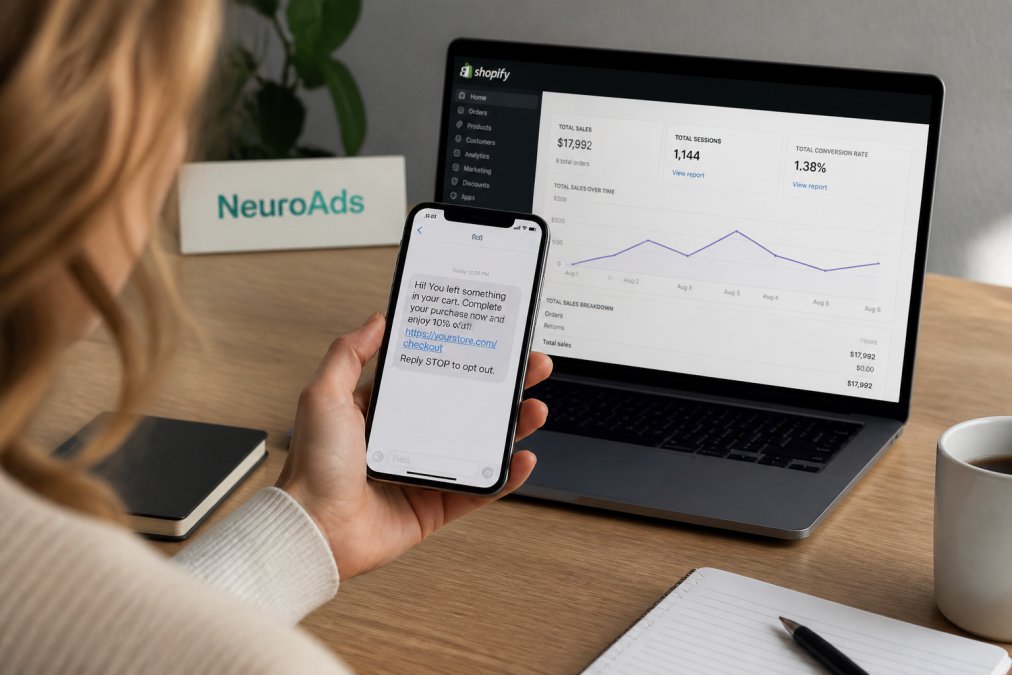
Timing across channels should stagger, not stack. A workable sequence:
| Touch | Channel | Timing | Job |
|---|---|---|---|
| 1 | 1-4 hours | Remind and reassure | |
| 2 | SMS | 12-24 hours | Handle the top objection |
| 3 | 48 hours | Add social proof or a small incentive | |
| 4 | Push | 72 hours | Final nudge before the cart expires |
Industry benchmarks suggest multi-channel sequences are the primary path to recovering up to 20% of abandoned carts (Retainful abandoned cart benchmarks(https://www.retainful.com/blog/shopify-abandoned-carts)). SMS requires explicit opt-in under United States messaging rules, so collect consent at checkout and keep the first message short and identifiable.
Abandoned Cart Recovery Best Practices for 2026
The best abandoned cart recovery practices for 2026 come down to three things most guides skip: segmentation logic deep enough to branch flows, a way to prove the flow pays for itself, and a handoff into post-purchase retention. Blanket sequences leave money on the table because a first-time visitor and a repeat buyer need different messages, and because a cart worth a few hundred dollars deserves a different recovery path than one worth a few dozen.
Advanced segmentation logic: branch by cart value and customer lifetime value
Most stores segment by customer type and stop there. The higher-leverage split is cart value combined with predicted customer lifetime value (CLV). A common pattern is a three-tier matrix:
AI Performance Marketing Platform →
| Segment | Trigger | Recovery path |
|---|---|---|
| High cart value + high CLV | Cart above your top quartile, repeat buyer | Human touch or concierge outreach, no discount, priority shipping offer |
| High cart value + low CLV | Cart above your top quartile, first-time buyer | Objection-handling email, then a modest incentive on touch three |
| Low cart value + high CLV | Small cart, repeat buyer | Light reminder, cross-sell to raise average order value |
| Low cart value + low CLV | Small cart, first-time buyer | Automated email only, no discount, protect margin |
To build the CLV side, pull historical order count and average order value from your Shopify customer data and bucket shoppers into predicted-value tiers. Then route each abandoned checkout into the matching path. This is the single change that separates a 7% flow from a 20% one, because it stops you from discounting your best customers and stops you from over-investing in one-time buyers.
ROI calculation and benchmarking
Recovery automation is only worth the setup time if you can show the return. The math is straightforward:
- Recovered revenue = recovered orders × average order value.
- Flow cost = app subscription plus any SMS or push send costs plus the labor hours to build and maintain the flow.
- ROI = (recovered revenue − flow cost) ÷ flow cost.
A common pattern is a flow that recovers 10-15% of abandoned checkouts at a blended cost well below the recovered revenue, producing a strong positive return within the first month. Benchmark against your own baseline, not a generic industry number: turn native automation on, let it run for two weeks, record the recovery rate, then layer your sequence on top and measure the lift. That lift is the number that justifies the work.
The metric most stores ignore is recovery rate by segment. A flow that recovers 18% overall can be hiding a 4% rate on high-value carts, which is where the largest revenue recovery sits.
Post-purchase recovery workflows
Recovery does not end at the recovered order. Connect the flow to the retention lifecycle: tag recovered customers, add them to a post-purchase email that confirms the order and sets delivery expectations, and trigger a review request after delivery. Shoppers who abandoned and then converted are often your most engaged segment, they needed a nudge, not a hard sell. Feeding them into a retention sequence turns a one-time recovery into repeat revenue.
Automation also increasingly runs on AI agents that monitor abandonment and generate personalized recovery content in real time, a shift now visible across the Shopify app ecosystem (Shopify App Store abandoned cart apps(https://apps.shopify.com/categories/marketing-and-conversion-marketing-abandoned-cart)). The practical takeaway: pick tools that adapt the message and the path to the segment, not just schedule a fixed send.
Best Abandoned Cart Apps for Shopify: What to Compare
The best abandoned cart apps for Shopify differ less on email and more on segmentation depth, channel coverage, and how well they connect to your ad data. Native Shopify automation handles the basics; third-party apps add the logic that lifts recovery from single digits toward 20%. The right choice depends on where your traffic comes from and how much you spend to get it.
Compare on five criteria before you commit:
- Segmentation: can it split flows by cart value, customer type, traffic source, and predicted CLV, or only by customer type?
- Channels: email only, or email plus SMS and push with staggered timing?
- Trigger flexibility: multiple delays and conditional branches, or one fixed send?
- Integration: does it read your ad and chatbot data, or sit in its own silo?
- Reporting: can you see recovery rate and recovered revenue by segment, not just a single blended number?
How to evaluate an app against your own numbers
Before you install anything, run the ROI math on the app itself. Take your monthly abandoned checkout count, multiply by your current recovery rate, then multiply by average order value to get baseline recovered revenue. Now estimate the lift a better flow would produce, a common pattern is moving from a single native email to a multi-step, multi-channel sequence and roughly doubling the recovery rate. If the projected lift in recovered revenue exceeds the app's subscription cost plus send costs, the app pays for itself. If it does not, fix your native flow first.
Where ad data changes the decision
For stores spending heavily on paid social, the app choice is really a data question. A recovery app that cannot see which ad click produced the abandoned cart is guessing at the objection. Our AI advertising platform connects ad performance to recovery behavior, so the same system that optimizes targeting and bidding also feeds the Shopify AI Chatbot that handles objections before a shopper ever abandons. Instead of a recovery app guessing why someone left, you get the ad click, the on-site behavior, and the recovery message in one view.
If your recovery app and your ad platform do not talk to each other, you are paying twice to solve one problem.
Frequently Asked Questions
How do I set up automated abandoned cart recovery in Shopify?
Go to Settings, then Checkout, and enable abandoned checkout emails. Shopify sends one email after a set delay. For more coverage, connect a third-party app or use an AI chatbot that triggers multi-step sequences. Automated email sequences recover 10-20% of abandoned carts, while Shopify's default settings recover only 5-7%. Adding SMS and push notifications through an integrated platform pushes recovery rates toward the 20% benchmark.
How many abandoned cart emails should I send?
Most stores see the best results with a three-email sequence: one sent 1-4 hours after abandonment, a second at 24 hours, and a final reminder at 48-72 hours. Each email should escalate in value, from a simple reminder to social proof, then a time-limited incentive. Stores using optimized multi-step sequences report 15-25% recovery rates compared to 5-7% with a single default email.
What are the best practices for abandoned cart subject lines?
Keep subject lines under 50 characters and lead with the product name or a direct question. Avoid generic phrases like 'You left something behind.' Instead, try 'Still thinking about [product]?' or 'Your cart is waiting.' A/B test subject lines regularly. Recovery emails with personalized subject lines and a clear call to action consistently outperform generic ones, and timing the first email within a few hours of abandonment improves open rates.
Can AI improve my abandoned cart recovery rates?
Yes. AI-powered tools analyze browsing behavior, purchase history, and objection patterns to personalize recovery messages in real time. Instead of a static email, an AI chatbot can engage shoppers on-site before they leave, addressing objections like shipping costs or sizing questions. Stores using AI-driven recovery workflows report recovery rates in the 15-25% range, well above the 5-7% baseline from Shopify's native automation.